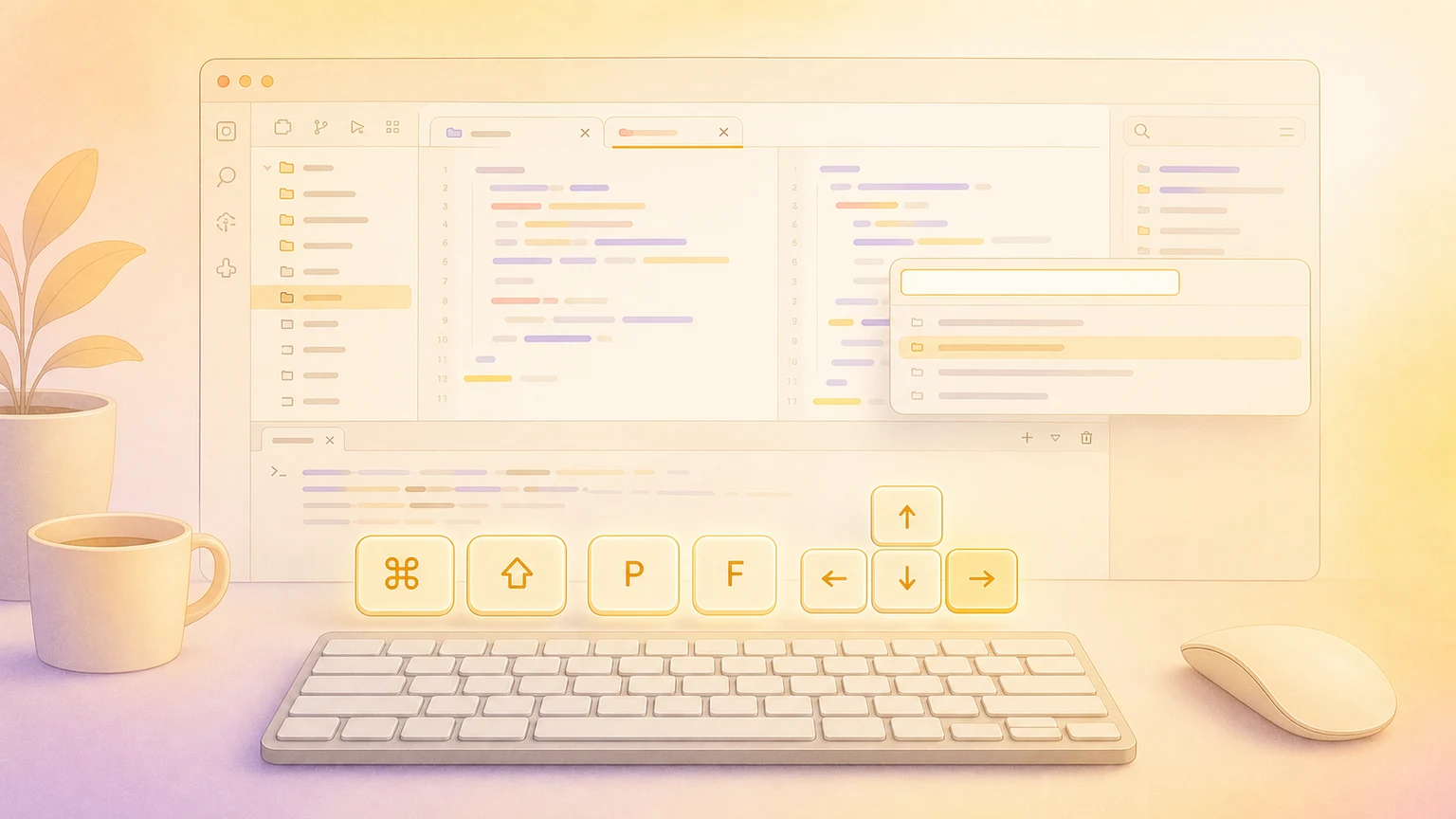
Visual Studio Code rewards muscle memory. These macOS shortcuts cover the core motions every developer should know.
Command center essentials
| Action | Shortcut |
|---|
| Command Palette | ⌘ + ⇧ + P |
| Quick Open file | ⌘ + P |
| Go to Line | ⌃ + G |
| Go to Symbol in Workspace | ⌘ + T |
| Toggle Zen Mode | ⌘ + K Z |
Navigation
| Action | Shortcut |
|---|
| Jump to Symbol in file | ⌘ + ⇧ + O |
| Open Definition | F12 |
| Peek Definition | ⌥ + F12 |
| Toggle Sidebar | ⌘ + B |
| Toggle Terminal | ⌃ + ` |
| Go Back | ⌃ + - |
| Go Forward | ⌃ + ⇧ + - |
Find and replace
| Action | Shortcut |
|---|
| Find | ⌘ + F |
| Replace | ⌘ + H |
| Find in Files | ⌘ + ⇧ + F |
| Replace in Files | ⌘ + ⇧ + H |
| Find Next | ⌘ + G |
| Find Previous | ⌘ + ⇧ + G |
Editing
| Action | Shortcut |
|---|
| Add next occurrence to selection | ⌘ + D |
| Move line up/down | ⌥ + ↑ / ⌥ + ↓ |
| Copy line up/down | ⌥ + ⇧ + ↑ / ⌥ + ⇧ + ↓ |
| Create additional cursor | ⌥ + Click |
| Toggle line comments | ⌘ + / |
| Toggle block comments | ⌥ + ⌘ + A |
| Delete line | ⌘ + ⇧ + K |
| Select all occurrences | ⌘ + ⇧ + L |
Code intelligence
| Action | Shortcut |
|---|
| Trigger Suggestions | ⌃ + Space |
| Rename Symbol | F2 |
| Format Document | ⇧ + ⌥ + F |
| Format Selection | ⌘ + K ⌘ + F |
| Quick Fix | ⌘ + . |
| Show Hover | ⌘ + K ⌘ + I |
Multi-pane and tabs
| Action | Shortcut |
|---|
| Split editor | ⌘ + \ |
| Focus editor group | ⌘ + 1, ⌘ + 2, ⌘ + 3 |
| Move file to next group | ⌘ + ⌥ + → / ⌘ + ⌥ + ← |
| New File | ⌘ + N |
| Close Editor | ⌘ + W |
| Reopen Closed Editor | ⌘ + ⇧ + T |
| Cycle Through Tabs | ⌃ + Tab |
Terminal
| Action | Shortcut |
|---|
| Toggle Terminal | ⌃ + ` |
| Split Terminal | ⌘ + ⇧ + 5 |
| Run Build Task | ⌘ + ⇧ + B |
Customize shortcuts
Open Code → Settings → Keyboard Shortcuts (⌘ + K, ⌘ + S) to view and customize all bindings.
Show your shortcuts on screen
Creating tutorials or presenting live? KeyScreen displays your keystrokes beautifully on screen so viewers always know what you pressed.