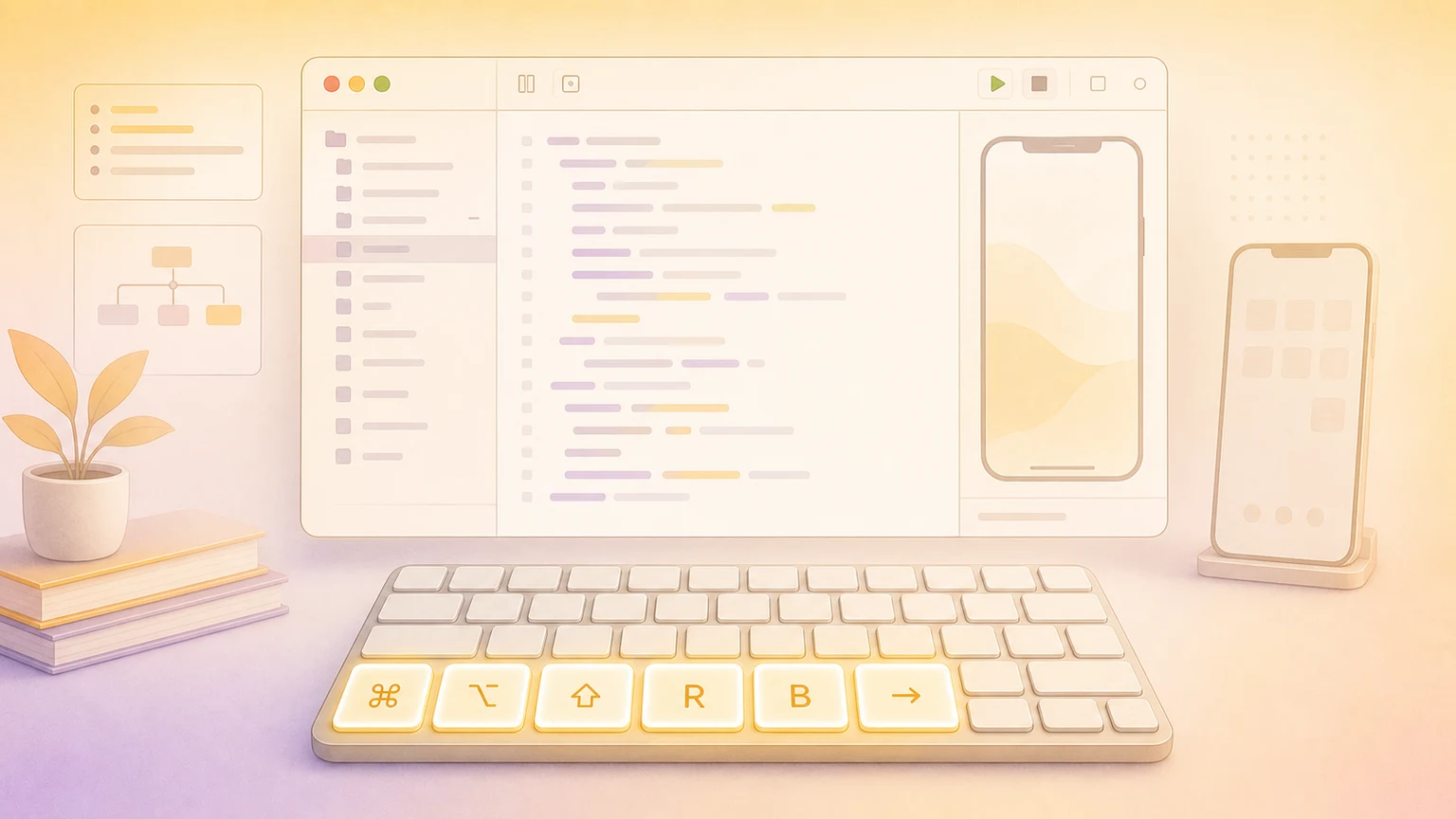
Xcode packs dozens of commands into menus. These shortcuts help you iterate, test, and ship faster.
Workspace layout
| Action | Shortcut |
|---|
| Show/Hide Navigator | ⌘ + 0 |
| Show/Hide Inspectors | ⌘ + ⌥ + 0 |
| Show/Hide Debug Area | ⌘ + ⇧ + Y |
| Focus Editor | ⌘ + ⇧ + Enter |
| Open in Assistant Editor | ⌥ + Click on file |
| Show Standard Editor | ⌘ + Enter |
Navigation
| Action | Shortcut |
|---|
| Quick Open | ⇧ + ⌘ + O |
| Jump to definition | ⌘ + ⌃ + J |
| Switch between .h/.m or related files | ⌘ + ⌃ + ↑ |
| Reveal in Project Navigator | ⌘ + ⇧ + J |
| Navigate Back | ⌃ + ⌘ + ← |
| Navigate Forward | ⌃ + ⌘ + → |
| Jump Bar | ⌃ + 1 through ⌃ + 6 |
| Navigator Panes | ⌘ + 1 through ⌘ + 7 |
Find and replace
| Action | Shortcut |
|---|
| Find in File | ⌘ + F |
| Find and Replace in File | ⌘ + ⌥ + F |
| Find in Project | ⌘ + ⇧ + F |
| Find and Replace in Project | ⌘ + ⌥ + ⇧ + F |
| Find Next | ⌘ + G |
| Find Previous | ⌘ + ⇧ + G |
Editing and refactoring
| Action | Shortcut |
|---|
| Comment or uncomment line | ⌘ + / |
| Re-indent selection | ⌃ + I |
| Rename symbol | ⌘ + ⌃ + E |
| Edit All in Scope | ⌃ + ⌘ + E |
| Multi-cursor selection | ⌥ + Drag or ⌥ + ⌘ + Click |
| Show Quick Help | ⌥ + Click or ⌃ + ⌘ + ? |
| Fold code block | ⌥ + ⌘ + ← |
| Unfold code block | ⌥ + ⌘ + → |
Build, run, and test
| Action | Shortcut |
|---|
| Run | ⌘ + R |
| Stop | ⌘ + . |
| Build | ⌘ + B |
| Clean build folder | ⇧ + ⌘ + K |
| Run Tests | ⌘ + U |
| Rerun last test | ⌃ + ⌘ + U |
| Test current method | ⌃ + ⌥ + ⌘ + U |
File management
| Action | Shortcut |
|---|
| New File | ⌘ + N |
| New Tab | ⌘ + T |
| Close Tab | ⌘ + W |
| Close Other Tabs | ⌘ + ⌥ + W |
| Save All | ⌘ + ⌥ + S |
| Next/Previous Tab | ⌘ + ⇧ + ] / ⌘ + ⇧ + [ |
Debugger
| Action | Shortcut |
|---|
| Toggle breakpoint | ⌘ + \ |
| Enable/disable all breakpoints | ⌘ + Y |
| Step over | F6 |
| Step into | F7 |
| Step out | ⇧ + F7 |
| Continue | ⌃ + ⌘ + Y |
Interface Builder
| Action | Shortcut |
|---|
| Align objects | ⌃ + = |
| Add constraints | ⌃ + ⇧ + = |
| Update frames | ⌃ + ⌥ + = |
| Preview canvas | ⌥ + ⌘ + Enter |
| Reload SwiftUI canvas | ⌥ + ⌘ + P |
Customize shortcuts
Open Xcode → Settings → Key Bindings to view and customize all bindings.
Show your shortcuts on screen
Creating tutorials or presenting live? KeyScreen displays your keystrokes beautifully on screen so viewers always know what you pressed.